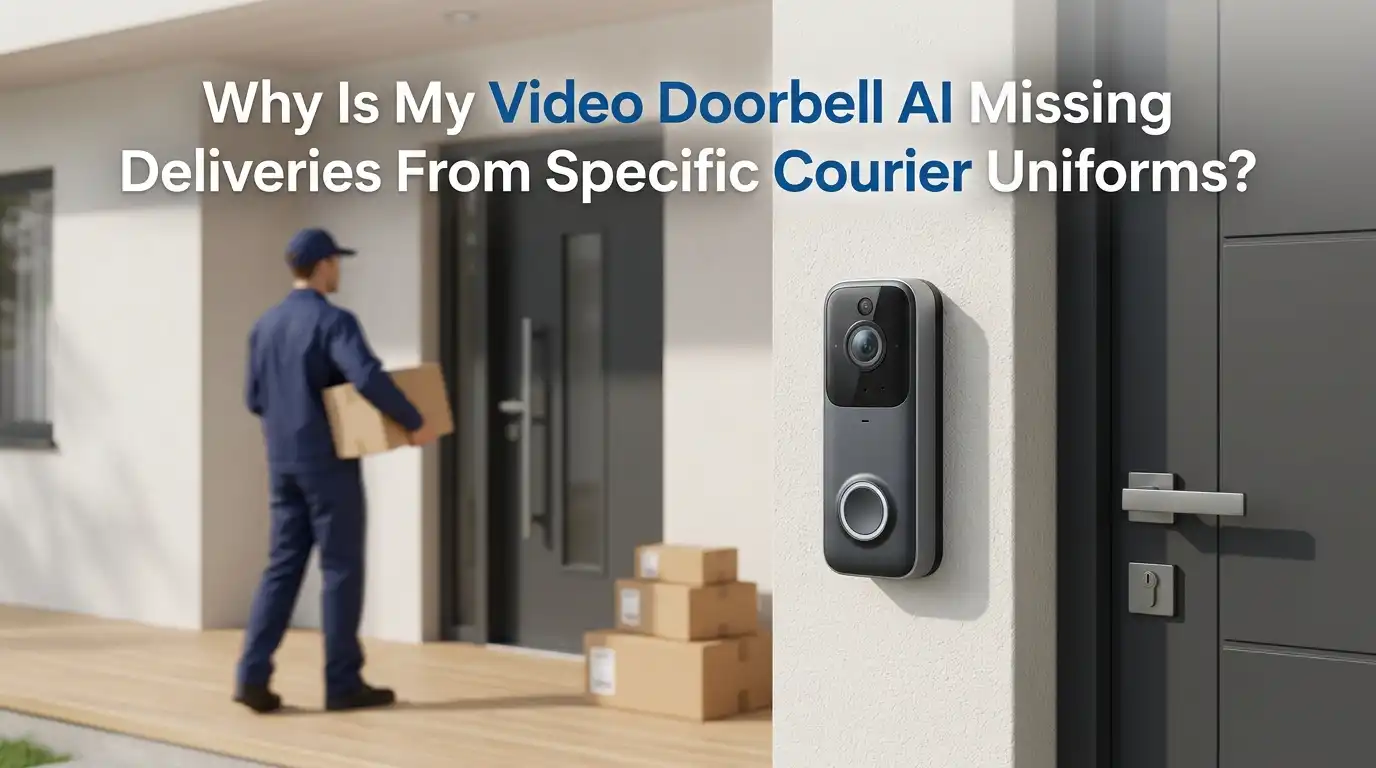
Why Is My Video Doorbell AI Missing Deliveries From Specific Courier Uniforms?
Your video doorbell records the mail carrier. It catches the neighbor’s dog. It even alerts you about a passing car. But somehow it misses the one event you care about most: your package drop. Worse, it seems to skip deliveries from certain couriers while catching others.
This problem frustrates thousands of smart home owners every day. You set up the doorbell to feel secure, yet specific uniforms slip past the AI like ghosts.
The good news is that this is a fixable issue. Most causes trace back to settings, camera placement, lighting, or how the AI was trained.
Key Takeaways:
- Dark uniforms blend into shadows and confuse the AI. Couriers like UPS and FedEx often wear brown or dark navy, which has low contrast against doors, porches, and night vision footage. The camera struggles to separate them from the background.
- Speed beats the sensor. Delivery drivers move fast. Battery powered doorbells wake up slowly, so a quick drop and dash often finishes before the camera fully activates.
- Your motion zones may be the problem. A narrow detection zone, low sensitivity, or a blind spot near the door can cause the AI to ignore the exact spot where couriers stand.
- AI training has blind spots. Person detection models learn from sample images. If certain uniforms, postures, or angles were underrepresented in training, the AI recognizes them less reliably.
- Lighting and Wi Fi matter more than you think. Backlight, glare, weak signal, and poor night vision all reduce detection accuracy. Fixing these gives you the biggest improvement for the least effort.
- You can solve most cases yourself. Adjusting settings, repositioning the camera, adding light, and updating firmware will fix the majority of missed delivery problems without buying anything new.
How Video Doorbell AI Actually Detects People and Packages
Your doorbell uses two main systems to spot a courier. The first is a motion sensor. The second is computer vision powered by AI.
The motion sensor, often a PIR sensor, detects changes in heat and movement. It acts as the trigger that wakes the camera. Once awake, the camera records video and sends frames to an AI model.
That AI model compares shapes, edges, and patterns to learn what counts as a person or package. It looks for human outlines, limbs, and posture. When it finds a match, it sends you an alert.
Here is the catch. Both systems can fail independently. The sensor might miss the heat signature. Or the camera might capture the courier, yet the AI fails to label them as a person. Understanding this split helps you target the real cause.
Why Dark and Specific Courier Uniforms Confuse the AI
This is the core of the problem. AI person detection relies heavily on contrast. The model needs to separate a body from its background.
Dark brown, navy, and black uniforms create low contrast against many porches, especially in shade or at night. When a UPS driver in brown stands against a dark wooden door, the AI sees one big dark blob instead of a clear human shape.
Color night vision makes this worse. At night, the camera switches to infrared, which renders everything in gray tones. A dark uniform almost disappears into the grayscale image.
Reflective safety vests cause the opposite issue. Bright strips can confuse the exposure system, washing out the body shape. So both very dark and very reflective uniforms challenge the AI in different ways.
Pros of understanding this cause: You can fix it with lighting and contrast adjustments. Cons: You cannot change what couriers wear, so you must adapt your setup around their clothing.
How Fast Movement Causes Your Doorbell to Miss Couriers
Delivery drivers are in a hurry. They sprint to the door, drop the box, and leave within seconds. This speed is one of the biggest reasons doorbells miss them.
Battery powered doorbells sleep to save power. They take a moment to wake when the sensor triggers. By the time the camera fully activates, the courier may already be walking away.
Wired doorbells respond faster because they stay powered. Still, even they have a small delay between detection and recording. A quick drop and dash can finish inside that gap.
The angle of approach matters too. PIR sensors detect side to side motion better than motion coming straight toward the camera. A courier walking directly at your door triggers the sensor less reliably than someone crossing in front of it.
Pros of knowing this: Repositioning and pre roll features solve it. Cons: Battery models will always have some delay compared to wired units.
Checking Your Motion Detection Zones and Sensitivity
Your motion zones tell the doorbell where to watch. If they are set wrong, you create blind spots right where couriers stand.
Open your doorbell app and find the motion settings. Look for a live view that lets you draw or adjust detection zones. Make sure the zone covers your full porch, the path to the door, and the package drop spot.
Many people accidentally shrink their zones too much to avoid street alerts. This often cuts off the exact area where deliveries happen. Widen the zone to include the approach path.
Next, raise your motion sensitivity. A low setting ignores small or quick movements. Set it higher and test it by walking through the area yourself.
Pros of adjusting zones: Free, fast, and very effective. Cons: Higher sensitivity may increase false alerts from cars or animals, so you will need to find a balance.
Improving Lighting to Help the AI See Couriers Clearly
Light is your AI’s best friend. Better lighting gives the camera more contrast to work with, which directly improves detection of dark uniforms.
Add a porch light or a motion activated floodlight near your door. Warm, even light reduces harsh shadows that hide people in brown or navy clothing. Avoid placing a bright light directly behind the visitor, since backlight turns them into a silhouette.
Position lights to the side or above the door. This spreads light across the visitor’s body and helps the AI read their full shape.
If your doorbell offers color night vision, enable it and pair it with a nearby light source. Color footage gives the AI more data than grayscale infrared.
Pros of better lighting: Cheap, simple, and improves both daytime and nighttime detection. Cons: You may need an electrician for hardwired floodlights, and bright lights can annoy neighbors if aimed poorly.
Fixing Camera Placement and Mounting Angle
Where your doorbell sits changes everything. A poor angle creates blind spots that swallow couriers whole.
Mount your doorbell around 48 inches above the ground. Too high, and it sees the tops of heads instead of full bodies. Too low, and it misses faces and package drops.
Aim the camera so it captures the approach path, not just the doorstep. If a courier walks across the field of view rather than straight at it, the PIR sensor triggers more reliably.
Use a wedge or corner mount if your door faces an awkward direction. These small accessories angle the camera toward the walkway.
Clean the lens too. Dust, spider webs, and rain spots blur the image and reduce AI accuracy.
Pros of better placement: Solves blind spots and improves trigger speed. Cons: Repositioning may require drilling new holes or buying a mounting wedge.
Updating Firmware and App Software for Better AI
Your doorbell’s AI lives in its software. Manufacturers improve detection models through regular updates. Older firmware may use weaker person detection than the current version.
Open your app and check for firmware updates under device settings. Install any available update. These updates often include smarter AI models trained on more diverse images, including different uniforms and lighting conditions.
Also update the app itself through your phone’s store. App updates can fix bugs that block alerts from reaching you.
Restart your doorbell after updating. A fresh reboot clears glitches that pile up over weeks of use.
Some brands roll out detection improvements gradually. If your device supports cloud based AI, the upgrades may happen automatically on the company’s servers.
Pros of updating: Free, easy, and sometimes dramatically improves detection. Cons: Updates can occasionally introduce new bugs, and older hardware may not support the latest AI features.
Strengthening Your Wi Fi for Reliable Detection
A weak signal quietly sabotages your doorbell. If video frames cannot reach the AI quickly, detections get delayed or dropped entirely.
Check your signal strength in the app. Many doorbell apps show a Wi Fi health rating. A weak or fair rating means your camera struggles to send footage in real time.
Move your router closer, or add a mesh node or extender near the front door. This shortens the distance between doorbell and router.
Avoid placing the router behind thick walls or metal objects. These block the signal and slow your video stream.
Test your connection during peak hours. If many devices share the network, your doorbell may lose bandwidth right when a courier arrives.
Pros of better Wi Fi: Fixes missed alerts caused by lag and improves video quality. Cons: Mesh systems and extenders cost money, and some homes have stubborn dead zones near the entrance.
Enabling Package Detection and Person Detection Correctly
Many doorbells have separate toggles for package alerts and person alerts. If these are off, you miss the very events you want.
Open your app settings and confirm that person detection is turned on. Some systems require person detection to be active before package detection works. Enable both.
Check your alert preferences too. You might have package alerts enabled but notifications muted, so the event records without telling you.
Review any subscription requirements. Certain brands lock advanced AI detection behind a paid plan. Without it, you only get basic motion alerts, which often miss fast couriers.
Test the feature. Place a box on your porch and walk away to see if the alert fires.
Pros of correct settings: Unlocks the AI features you already own. Cons: Some package detection features require an ongoing subscription, which adds cost.
Reducing False Negatives With Smart Setting Combinations
A false negative means the courier was there but the AI said nothing. You reduce these by combining several settings rather than relying on one.
Start by pairing high sensitivity with wide motion zones. This catches more movement, giving the AI more chances to identify a person. Then add lighting so each captured frame is clear.
Enable pre roll or pre buffer if your doorbell offers it. This feature records a few seconds before the trigger, capturing the courier’s approach and not just their exit.
Lower the snapshot capture interval if available. More frequent snapshots mean more data for the AI to analyze.
Balance is key. Too many overlapping aggressive settings can flood you with false alerts. Adjust one setting at a time and test each change.
Pros of combining settings: Each fix supports the others for stronger results. Cons: It takes patience and testing, and aggressive settings may drain battery faster.
Testing Your Doorbell to Confirm the Fixes Work
Guessing wastes time. Testing tells you exactly what works. After each adjustment, run a simple check.
Dress in dark clothing similar to a courier uniform. Walk up to your door at the same pace a delivery driver would. Then check whether you received a person alert and clear video.
Repeat the test at different times of day. Test in bright noon light, in afternoon shade, and after dark. Each lighting condition reveals different weaknesses.
Drop a real box on the porch to test package detection separately. Note whether the alert fires within a few seconds.
Keep a small log of what you changed and the result. This shows you which fix made the difference and helps you avoid undoing good settings.
Pros of testing: Removes guesswork and confirms real improvement. Cons: It takes a few minutes of effort and may need repeating across seasons.
When to Consider a Different Doorbell or Added Camera
Sometimes the hardware itself is the limit. If you have tried every fix and still miss couriers, your device may simply lack the AI power you need.
Older or budget doorbells often use basic motion detection with weak person recognition. No setting change can give them advanced AI they were never built with.
Consider adding a second camera that covers the porch from another angle. A wider field of view catches couriers the doorbell misses. Two viewpoints reduce blind spots dramatically.
Look for devices with faster wake times, color night vision, and on board AI processing. These features handle dark uniforms and fast movement far better.
Wired models generally outperform battery units for delivery detection because they never sleep.
Pros of upgrading: Solves problems that settings cannot fix. Cons: New hardware costs money, and adding cameras may require more setup and storage.
Building a Long Term Setup That Never Misses Deliveries
Once your fixes work, lock in a routine that keeps them working. Detection quality drifts over time as seasons, software, and hardware change.
Check your settings every few months. Seasonal light changes can turn a good daytime setup into a poor one by winter. Adjust lighting and sensitivity as needed.
Clean the lens regularly and clear away any new obstructions like plants or decorations near the door.
Keep firmware and apps updated so you always run the latest AI model. Reboot the doorbell occasionally to clear glitches.
If you rely on package alerts heavily, pair your doorbell with delivery notifications from the courier or retailer. This gives you a backup so nothing slips through.
Pros of a maintenance routine: Keeps detection sharp year round. Cons: It requires ongoing attention, though only a few minutes every season.
Frequently Asked Questions
Why does my doorbell catch the mailman but miss FedEx or UPS?
Different couriers wear different colored uniforms and move at different speeds. Dark brown or navy uniforms blend into shadows and reduce contrast, which makes the AI struggle. The mail carrier may wear lighter colors or approach from a better angle, so the camera spots them more easily.
Can dark clothing really make someone invisible to my doorbell AI?
Not invisible, but much harder to detect. The AI separates people from backgrounds using contrast. Dark clothing against a dark door or in low light gives the camera very little to work with. Adding light and improving the angle solves most of these cases quickly.
Does upgrading my Wi Fi actually help with missed deliveries?
Yes. A weak signal delays or drops the video frames your doorbell sends for analysis. If the AI never receives clear footage in time, it cannot detect the courier. Moving the router closer or adding a mesh node near the door often fixes surprisingly stubborn missed alerts.
Will a paid subscription improve my doorbell’s detection?
Sometimes. Many brands lock advanced person and package detection behind a paid plan. Without the subscription, you may only get basic motion alerts that miss fast couriers. Check your app to see which AI features your plan includes before assuming the hardware is faulty.
How can I test if my fixes are working?
Dress in dark clothing and walk to your door at a delivery driver’s pace. Check if you get a person alert with clear video. Repeat the test in daylight, in shade, and after dark. Drop a box on the porch separately to test package detection. Log each result.
Should I buy a new doorbell if nothing works?
Only after trying every setting, lighting, placement, and firmware fix first. If your device uses old or basic AI, no adjustment will give it abilities it lacks. In that case, a wired model with on board AI and color night vision, or a second camera covering the porch, gives the best long term results.

Hi, I’m Archie Flynn, the founder and writer behind RapidResizerHub! 👋 I’m a passionate tech enthusiast who loves exploring the latest gadgets, smart devices, and trending electronics on Amazon. Through my honest, hands-on reviews and detailed buying guides, I help readers make smarter, well-informed shopping decisions.