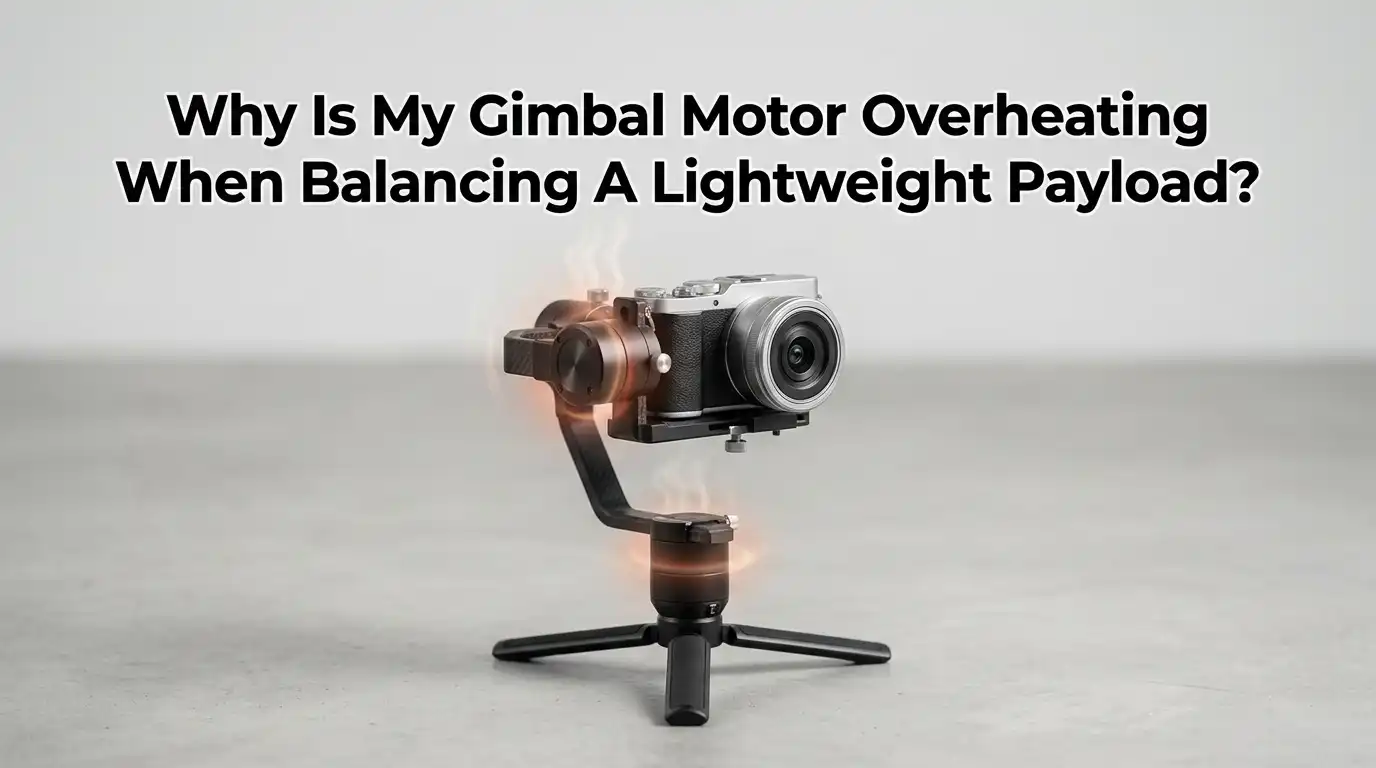
Why Is My Gimbal Motor Overheating When Balancing A Lightweight Payload?
You set up your gimbal with a small camera or phone. You expect smooth, cool, quiet motion. Instead, the motors start buzzing, then they get hot enough to worry you.
This feels strange because the payload is light, so the motors should barely work at all. The truth is, light payloads can stress a gimbal in surprising ways. Wrong power settings, poor balance, and tight bearings can all push the motors past their thermal limit.
This post breaks down every cause and gives you clear steps to fix it. By the end, you will know how to keep your gimbal cool, calm, and ready to shoot for hours.
Key Takeaways
- Balance always comes first. A lightweight payload still needs precise balance on all three axes. Even a small offset forces the motors to hold the load against gravity, which heats them up fast.
- Motor power must match the payload. Many gimbals ship with default settings made for heavier cameras. If you do not lower the motor strength or run auto tune, the motors will overdrive a small load and overheat.
- Vibration is a hidden heat source. A loose clamp, soft mount, or tight cable can cause micro oscillations. The motors fight these tiny shakes constantly, which builds heat over time.
- Firmware and PID tuning matter. Old firmware or aggressive PID values push too much current into the coils. Updating and tuning brings the motors back into a safe range.
- Heat is not always a defect. Warm motors are normal during calibration and long shoots. Hot to the touch with shaking or error beeps is the real warning sign.
- Cleaning and cooling extend life. Dust, sand, and blocked airflow trap heat in the motor coils. A simple cleaning routine can drop motor temperature by several degrees.
Understanding Why Light Payloads Can Still Cause Heat
Many users think a lighter camera means less work for the gimbal. That sounds correct, but it is only half the story. A gimbal motor uses current to hold a position, not just to move. If the load sits off center, the motor pulls steady current to fight gravity. That steady current turns into heat inside the copper coils.
A small payload also responds faster to motor inputs. This can cause tiny back and forth corrections that drain power without any visible motion. The motor is busy, even when the camera looks still. Once you understand this, the fixes below will make much more sense.
Check Your Balance On All Three Axes First
Balance is the single biggest cause of motor heat. Turn the gimbal off and hold it in your hand. The camera should stay still in any position you place it. If it drifts, tilts, or swings, it is not balanced.
Work through the axes in order: tilt first, then roll, then pan. Loosen one axis at a time and slide the camera until it floats. A good balance test means the camera holds at 45 degrees, straight up, and straight down without falling. Lock each axis firmly after balancing. A perfectly balanced rig draws very little current and stays cool for hours.
Pros: Free, fast, and fixes most heat issues. Cons: Takes patience for first time users. Some small cameras have odd weight spots that need shims or counterweights.
Lower The Motor Power Or Stiffness Settings
Most gimbals let you adjust motor power, sometimes called stiffness or torque. Default values often target heavy cinema cameras. A light phone or action camera does not need that much force.
Open your gimbal app and find the motor parameters menu. Lower the stiffness for tilt, roll, and pan by small steps. Test after each change by moving the gimbal gently.
If the camera shakes or vibrates, raise the value by one or two points until it stops. You want the lowest setting that still holds the camera steady. This single change can cut motor heat by a large margin.
Pros: Easy software fix, no hardware change needed. Cons: Setting too low causes drift or sag. You may need a few tries to find the sweet spot.
Run The Auto Tune Function Properly
Almost every modern gimbal has an auto tune feature. This tool measures your payload and sets the right power for each motor. Many people skip this step, then wonder why the motors run hot.
Place the gimbal on a steady, level surface before starting. Make sure the camera is balanced and the clamps are tight. Start the auto tune from the app and do not touch the gimbal until it finishes.
The motors will move on their own and may buzz, which is normal. Once done, the gimbal will save the new values. Run auto tune again any time you change lenses, cages, or microphones.
Pros: Fast, accurate, and made for your exact payload. Cons: Needs a stable surface. Some auto tune results are still off for very light loads, so manual tweaks may follow.
Update Your Gimbal Firmware
Firmware controls how the motors react to every movement. Older versions sometimes have bugs in current limiting or thermal protection. New firmware can fix heat issues without any hardware work.
Connect your gimbal to the app or a computer. Check the current firmware version against the maker’s website. If a newer version exists, follow the update steps carefully.
Do not unplug or move the gimbal during the update. After the update, run a fresh calibration and auto tune. Many users report cooler motors and smoother motion right after a firmware refresh. This is one of the simplest fixes you can try.
Pros: Free, often improves more than just heat. Cons: Updates can fail if the cable is loose or the battery is low.
Inspect The Mounting Plate And Camera Cage
A bent quick release plate or loose cage can throw off balance in ways you cannot see. The camera may look centered, yet the center of gravity sits off the motor axis. The motor then works hard to hold it up.
Remove the camera and check the plate for scratches, bends, or cracks. Make sure all screws are tight, including the ones on the lens collar and microphone mount.
Any loose part shifts during movement and forces the gimbal to chase it. If you use a cage, check that no cable pulls on the frame. A clean, tight setup keeps the load steady and the motors calm.
Pros: Catches hidden balance problems. Cons: May require small tools or replacement parts if items are damaged.
Manage Cables And Accessories Carefully
Cables are a common heat trap. A short HDMI line or stiff USB cord can pull the camera as the gimbal turns. The motor fights this pull every second, which adds up to real heat.
Use soft, flexible cables that are long enough to allow full rotation. Tape or clip them so they do not catch on the arms.
Microphones, lights, and monitors also shift weight, so balance the gimbal again after adding them. Even a small clip on light can change motor load. If you must run many cables, make a loose loop near the camera so the cables move freely without tugging.
Pros: Solves a problem most people miss. Cons: Adds a small step every time you set up.
Tune PID Values For Smoother Control
PID stands for Proportional, Integral, and Derivative. These three numbers tell the motors how strongly to react to errors. Wrong PID values cause oscillation, shaking, and heat, even with a light payload.
Start by lowering the P value if you see fast shaking. Raise the D value slowly to dampen any small wobble. The I value handles drift over time and rarely needs big changes.
Make one change at a time and test after each step. Save your settings as a profile so you can return to them later. PID tuning takes practice, but a good profile keeps the motors cool and the footage smooth.
Pros: Deep control for the best results. Cons: Steep learning curve and easy to make worse before better.
Clean Dust, Sand, And Debris From The Motors
Tiny grains of sand or dust can get into the gap between the motor coils and the magnets. The motor then struggles to spin, which spikes current and heat. Outdoor users and beach shooters see this often.
Turn off the gimbal and look closely at each motor joint. Use a soft brush or a can of compressed air to clean the gaps. Do not use water, oil, or solvents near the motor windings.
Move each axis by hand and feel for any grinding or stiffness. A clean motor spins freely with almost no resistance. Make this check part of your routine after any dusty or sandy shoot.
Pros: Cheap and quick. Cons: Hard to reach deep debris without partial disassembly.
Watch For Overload Errors And Beeps
Many gimbals beep or flash when a motor is overloaded. These warnings are your early signal that heat is building up. Do not ignore them, even if the gimbal still works.
Read the manual to learn what each beep pattern means. Common causes include unbalanced load, blocked motion, or weak battery. If you hear repeated beeps, power down and let the motors cool for at least ten minutes.
Then recheck balance and settings before powering back on. Running a hot motor for too long can burn the coils, and that damage is permanent. Treat every overload alert as a stop signal.
Pros: Built in protection saves the motor. Cons: Some users disable alerts, which can lead to damage.
Improve Airflow And Avoid Direct Sun
Gimbal motors lose heat through their housing. Hot air, sun, and tight bags trap that heat and push the motor temperature even higher. A cool environment helps the motors work longer without trouble.
Avoid leaving your gimbal in a hot car or in direct sunlight before a shoot. Take short breaks between long takes so the motors can rest.
If you shoot in hot weather, a small clip on fan or a shaded spot can help a lot. Never block the motor housing with tape, foam, or sleeves. Good airflow is free cooling, and it adds years to motor life.
Pros: No cost, easy to apply on every shoot. Cons: Not always possible in tight indoor spaces or harsh weather.
Know When To Contact Support Or Service
If you have tried every step above and the motors still overheat, the issue may be inside the gimbal. A failing coil, bad sensor, or worn bearing needs professional repair. Pushing a damaged unit only makes things worse.
Record a short video showing the heat issue, the payload, and your settings. Send it to the maker’s support team with your serial number and purchase date.
Most brands offer warranty repair if the unit is less than a year or two old. Do not open the gimbal yourself unless you are skilled, because that often voids the warranty. A proper repair is cheaper than a new gimbal.
Pros: Fixes deep faults you cannot reach. Cons: Repair time can take weeks, and out of warranty work costs money.
Frequently Asked Questions
How hot is too hot for a gimbal motor?
A warm motor that you can hold for a few seconds is normal. If the motor is too hot to touch for more than one second, stop using the gimbal and let it cool. Most motors are safe up to about 60 degrees Celsius. Above that, the coils can start to lose strength over time.
Can a lightweight phone really cause motor heat?
Yes, a phone can cause heat if the gimbal settings are made for a heavier load. The motors push more current than needed and waste it as heat. Lowering motor power and running auto tune usually solves this.
Is it safe to use my gimbal while one motor is hot?
It is better to stop and let it cool. A hot motor near its limit can fail without warning. Short breaks every twenty to thirty minutes keep all three motors in a safe range.
Why does only one motor get hot and not the others?
That motor is doing more work, usually because of poor balance on its axis. Rebalance that axis with care, then run auto tune. A single hot motor almost always points to a balance or stiffness issue.
Does cold weather help motor temperature?
Cold air helps motors cool faster, which is good. However, very cold weather can stiffen grease and bearings, which makes the motors work harder at startup. Let the gimbal warm up indoors before heavy use in winter.
Can I add a fan to my gimbal?
Some users tape small fans near hot motors during long shoots. This can lower temperature by a few degrees. Make sure the fan does not unbalance the gimbal or block any sensor. A balanced setup with proper settings is still the best fix.

Hi, I’m Archie Flynn, the founder and writer behind RapidResizerHub! 👋 I’m a passionate tech enthusiast who loves exploring the latest gadgets, smart devices, and trending electronics on Amazon. Through my honest, hands-on reviews and detailed buying guides, I help readers make smarter, well-informed shopping decisions.