How to Fix a Laser Projector Color Wheel That Is Making a Whining Noise?
A laser projector should run quietly during movies, presentations, or gaming sessions. So when a sharp whining sound starts cutting through your audio, it pulls your focus away from the screen fast. That high pitched buzz often points to a tired color wheel asking for help.
The good news is that you can usually diagnose and fix this issue at home. You just need the right steps, a few basic tools, and a calm hand.
This guide walks you through every fix, from quick cleaning to full replacement, so your projector sounds smooth again.
Key Takeaways
- The whining sound usually comes from a failing color wheel bearing, dust buildup, or a wheel that is slightly off balance after years of use.
- Always unplug the projector and let it cool for at least 30 minutes before opening the case. Hot lamps and laser modules can cause burns or electrical shock.
- Cleaning the wheel with compressed air or anhydrous isopropyl alcohol fixes many cases, but a worn bearing almost always needs a full color wheel replacement.
- Do not add oil or lubricant to the bearings. Color wheel bearings are sealed units, and outside oil damages them faster and voids your warranty.
- Replacement parts must match your exact projector model number. Generic wheels rarely fit, and the wrong wheel can throw color timing errors on the screen.
- Professional repair costs more but protects sensitive optics. DIY fixes save money but require patience and steady hands.
What Causes a Laser Projector Color Wheel to Whine?
The color wheel spins at very high speeds, often between 7,200 and 10,800 RPM. It sits on a tiny motor with small sealed bearings. Over time those bearings dry out, collect dust, or wear down from heat.
When the bearing wears, the wheel wobbles a hair off center. That wobble creates a high frequency whine you can hear over the cooling fans. Some users describe it as a buzzsaw or a mosquito sound.
Dust on the wheel itself can also throw off balance. Heat is the biggest enemy here because laser projectors run hot near the optical block. The longer the wheel runs hot, the faster the lubricant inside the bearing breaks down.
How to Confirm the Noise Is From the Color Wheel
Before you open the case, make sure the whine is not coming from a fan. Fans usually produce a steady low hum, while a bad color wheel makes a sharper, more piercing tone.
Try this quick test. Power on the projector and listen carefully near the lens side of the chassis. Color wheel noise tends to come from the optical block, not the vents. You can also cup your hands around your ears and slowly move them across the projector body.
Another clue is timing. Color wheel whine often starts a few seconds after startup and stays constant. Fan noise rises and falls as the projector adjusts cooling. If your noise stays flat at one pitch, the wheel is the likely culprit.
Gather the Right Tools Before You Open the Projector
You do not need a full electronics lab to fix this. A small set of common tools handles most projector repairs. Lay everything out on a clean, well lit table before you start.
You will want a Phillips head screwdriver set, a small flathead, plastic prying tools, and antistatic gloves. Add a can of compressed air, a microfiber cloth, and 99 percent anhydrous isopropyl alcohol for cleaning. A magnetic parts tray helps you track tiny screws.
Take photos at every step with your phone. Projectors have many small ribbon cables and screws that look similar. A photo record makes reassembly far easier and prevents lost parts or misrouted wires.
Step by Step: Safely Opening Your Laser Projector
Start by unplugging the projector from power. Wait at least 30 minutes for the lamp area and laser diodes to cool. Place the unit upside down on a soft towel to protect the lens.
Remove the screws on the bottom panel first. Then check for screws hidden under rubber feet or warranty stickers. Lift the top cover gently and watch for ribbon cables attached to control buttons.
Pros of opening it yourself include learning the layout and saving on repair labor. The cons are real though. You may void the warranty, and one slip can damage the DMD chip or laser block. If your projector is still under warranty, stop here and call the maker first.
Cleaning the Color Wheel to Reduce Noise
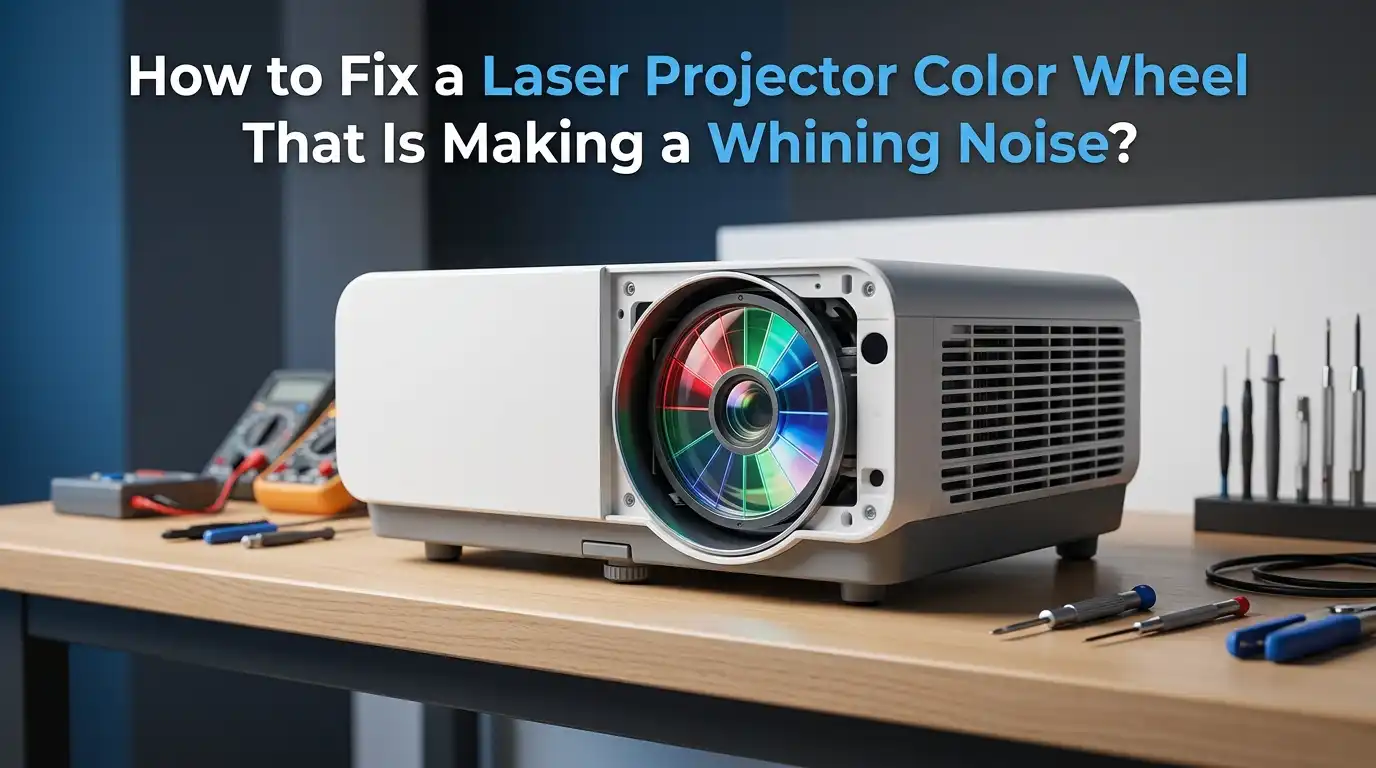
If your wheel is dirty but not damaged, a deep clean often quiets things down. Locate the color wheel assembly near the light path, usually a small disc with colored segments spinning behind a sensor.
Use compressed air in short bursts to blow dust off both sides of the wheel. Hold the can upright to avoid spraying liquid propellant. Then dampen a lint free swab with anhydrous isopropyl alcohol and gently wipe the surface.
The pros of cleaning are clear. It is cheap, takes under an hour, and often fixes mild noise. The cons are that cleaning will not help a worn bearing. If the noise stays after a thorough clean, the bearing is failing and needs a new wheel.
Checking for Loose Screws and Mounts
Sometimes the whine is not the wheel itself but a loose mounting screw causing vibration. The color wheel motor sits on a small bracket fixed with two or three tiny screws. Heat cycles can loosen them over months.
With the projector open, gently press around the color wheel housing. If you feel any wobble, tighten the bracket screws by hand. Do not overtighten because the plastic threads strip easily.
Loose screws are the easiest fix and cost nothing. The pro side is obvious, a five minute job ends the noise. The con is that loose screws rarely cause the loud whine on their own. Still, always check this before moving on to a full replacement.
When to Replace the Color Wheel Entirely
If cleaning and tightening did not work, the bearing is worn out. Color wheel bearings cannot be serviced in the field because they are sealed units. Replacement is the only reliable fix.
Order a wheel that matches your exact projector model. Check the part number printed on the old wheel, not just the projector name. Aftermarket wheels exist but quality varies, and a mismatch can cause color sync errors or rainbow flicker.
The pros of full replacement include a quiet projector and another several thousand hours of life. The cons are cost, since wheels can run from 40 to 200 dollars, and the risk of damage during install. Take your time and follow the photos you snapped earlier.
Step by Step Color Wheel Replacement
Disconnect the small ribbon or two pin cable that powers the color wheel motor. Note its orientation. Then unscrew the wheel assembly from its bracket. Lift it straight up to avoid bending the photo sensor arm.
Place the new wheel in the same position. Reconnect the motor cable, making sure it clicks fully. Hand tighten the screws in a star pattern so the wheel sits perfectly flat. A tilted wheel will whine again within weeks.
Before closing the case, plug in the projector briefly and watch the wheel spin. It should rotate smoothly with no wobble. Listen for the new sound, which should be a faint soft hum instead of a whine. Then power down and finish reassembly.
Why You Should Never Lubricate the Bearings Yourself
Many DIY guides online suggest dropping oil onto a noisy bearing. Do not do this with projector color wheels. The bearings are sealed precision units built to spin at very high RPM in a dust free zone.
Adding household oil or sewing machine oil pushes contaminants into the bearing. The oil also creeps onto the reflective wheel segments and ruins the color output. Some users report a brief quiet period after oiling, followed by total failure within days.
The pro of oiling is a short term silence. The cons far outweigh that. You will likely destroy the wheel, smear the optics, and shorten projector life. Stick with cleaning or replacement, never lubrication.
Improving Airflow to Protect the New Wheel
Once your projector is quiet again, help it stay that way. Heat shortens bearing life faster than anything else. Place the projector on a hard flat surface with at least six inches of clear space around every vent.
Avoid setting it on carpet, blankets, or inside a closed cabinet. Clean the intake filters every month if your model has them. A soft brush or vacuum on low suction works well for dust removal.
The pros of better airflow include longer wheel life, quieter fans, and brighter images. The cons are almost none, beyond a small change in furniture layout. If your room runs warm, consider a small USB fan pointed at the projector body during long sessions.
Updating Firmware and Checking Wheel Speed Settings
Some laser projectors let you adjust the color wheel speed through firmware. A wheel running at the wrong speed can produce extra noise or flicker. Check your maker’s website for the latest firmware version.
Install updates using a USB stick or network connection, depending on the model. After updating, go into the service menu if available and confirm the wheel speed matches the factory default. Do not raise the speed to chase a brighter image, since this stresses bearings.
The pros include free fixes and small efficiency gains. The cons are limited because firmware rarely solves a mechanical whine on its own. Still, it is worth doing before you spend money on parts, especially if your projector is only a year or two old.
When to Call a Professional Repair Service
Some repairs are best left to trained techs. If your projector uses a phosphor wheel paired with the color wheel, the assembly gets very complex. Laser modules also carry high voltage capacitors that can hold a charge for hours.
Look for a local AV repair shop or a manufacturer authorized center. Get a written quote before any work begins. Ask if they use original equipment parts, since aftermarket wheels can cause future trouble.
The pros of pro repair are clear. You get expert hands, often a warranty on the work, and no risk of damaging other parts. The cons are cost, sometimes 150 to 400 dollars, and the wait time. Weigh the projector’s value against repair price before deciding.
How to Prevent Color Wheel Noise in the Future
Prevention beats repair every time. Run your projector in eco mode when full brightness is not needed. Eco mode lowers heat, reduces fan stress, and extends color wheel life by hundreds of hours.
Power down properly using the remote or button, never by pulling the plug. The cooldown cycle protects the wheel and laser module. Also dust the room and clean the projector vents every few weeks to keep particles away from the optical block.
Schedule a yearly internal cleaning if you use the projector heavily. Pros of prevention include lower repair costs and stable image quality. The cons are tiny, just a few minutes of monthly care. A well kept laser projector can run quietly for 20,000 hours or more before needing major service.
Frequently Asked Questions
How long does a laser projector color wheel usually last?
Most color wheels last between 5,000 and 15,000 hours of use. Heat, dust, and run time all affect lifespan. Eco mode and good ventilation push the upper end of that range.
Can I use my projector while the color wheel is whining?
You can, but you should not for long. A failing wheel gets worse quickly and can shed bearing debris into the optical path. Fix or replace it within a few weeks to avoid bigger damage.
Will a noisy color wheel affect picture quality?
At first, no. As the bearing wears further, the wheel wobbles and you may see color flicker, rainbow artifacts, or missing colors on screen. Sound issues usually appear before picture problems.
Is it cheaper to replace the projector instead of the color wheel?
It depends on the projector’s age and value. For units worth over 500 dollars, replacing the wheel almost always saves money. For budget projectors, a new unit may be the smarter choice.
Can dust alone cause a whining noise?
Yes, heavy dust on the wheel can create imbalance and a soft whine. A thorough cleaning often fixes early stage noise. If cleaning fails, the bearing itself is the problem.
Do all laser projectors have color wheels?
No. Some three laser RGB projectors skip the color wheel entirely and use direct red, green, and blue lasers. Single laser models with phosphor wheels still rely on a spinning wheel and can develop the same noise issues.

Hi, I’m Archie Flynn, the founder and writer behind RapidResizerHub! 👋 I’m a passionate tech enthusiast who loves exploring the latest gadgets, smart devices, and trending electronics on Amazon. Through my honest, hands-on reviews and detailed buying guides, I help readers make smarter, well-informed shopping decisions.