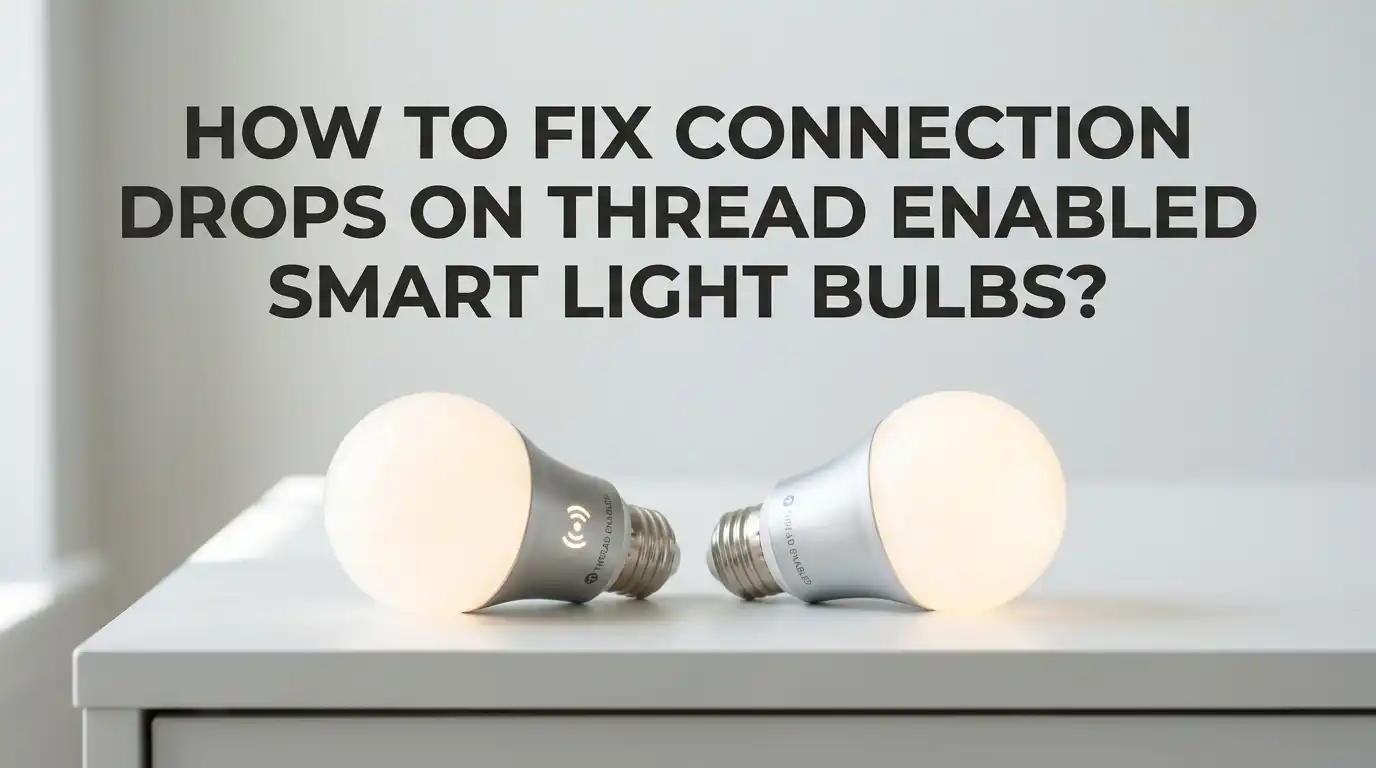
How To Fix Connection Drops On Thread Enabled Smart Light Bulbs?
Smart bulbs that use Thread promise faster response times, lower power use, and a self healing mesh network. But many users still face a frustrating problem.
Their bulbs go offline, lag during voice commands, or drop out of the app at random times. The good news is that most Thread connection drops have clear causes and simple fixes you can try at home today.
This guide walks you through every practical step to stabilize your Thread smart bulbs. You will learn how border routers work, why mixing brands sometimes breaks things, and how to fine tune your wireless setup.
In a Nutshell
- Border routers are the heart of your Thread network. Devices like Apple TV, HomePod Mini, Google Nest Hub, Amazon Echo (4th gen and later), and several smart hubs act as bridges between Thread and your main network. If the border router fails, your bulbs lose contact with the cloud and your phone.
- More powered Thread devices make the mesh stronger. Plug in bulbs, smart plugs, and switches that act as Thread routers. Battery powered sensors do not route traffic, so they cannot heal weak spots.
- Mixed border router brands can cause split networks. Apple, Google, and Amazon each run their own Thread network by default. Until Thread 1.4 credential sharing rolls out fully, you may need to pick one brand as the primary.
- Firmware updates fix many silent bugs. Bulb makers and platform owners push updates that solve memory leaks and routing errors. Skipping these updates leaves you with old, unstable code.
- WiFi interference still affects Thread. Both run on the 2.4 GHz band. Choosing the right WiFi and Thread channels can stop random drop outs.
- A clean reset often solves stubborn issues. When nothing else works, factory resetting the bulb and re adding it to your platform clears bad pairing data.
Understand What Thread Actually Does
Thread is a low power wireless mesh protocol that runs on the 2.4 GHz band. Every powered Thread device, including most smart bulbs, acts as a router.
They pass messages to each other so signals can hop across your home. A border router connects this mesh to your WiFi or Ethernet so your phone and cloud services can reach the bulbs.
When a bulb drops, the link between the bulb and the border router has broken. The cause could be poor signal, a crashed border router, a software bug, or interference.
Knowing the path of the signal helps you spot the weak point. Before you change settings, picture how the message flows from your phone to your bulb.
Restart Your Thread Border Router First
A simple reboot fixes more Thread problems than any other step. Border routers run small operating systems that can crash, leak memory, or lose sync with the mesh.
Power cycling clears these soft failures in seconds. Find your border router, which is usually an Apple TV, HomePod, Nest Hub, Echo, SmartThings Hub, or Aqara hub. Unplug it for 30 seconds, then plug it back in.
Pros: This method is free, fast, and risk free. It often restores all bulbs at once. Cons: The fix may be temporary if the underlying cause is a firmware bug. If you need to reboot weekly, the device probably needs a software update or replacement. Always test the bulbs after a full minute of uptime.
Update The Firmware On Your Bulbs
Outdated bulb firmware causes many silent drop outs. Brands like Nanoleaf, Eve, IKEA, and others release fixes for memory leaks, routing errors, and pairing bugs.
You should check the maker app every month for new versions. Open the manufacturer app, sign in, and look for an update section. Some apps push updates automatically while others need a manual tap.
Pros: Firmware fixes can solve issues that no setting change can touch. Updates are free and often improve speed too. Cons: Some brands hide the update option after a bulb is added to a Matter platform.
You may need to remove the bulb from your smart home app, update it through the maker app, then add it back. Always update bulbs one at a time to avoid bricking several at once.
Update Your Border Router Software Too
Border routers need the latest software just as much as bulbs do. Apple, Google, Amazon, and other brands push updates that improve Thread stability, fix radio drivers, and support newer Thread spec versions.
Bitdefender researchers have noted that outdated border router code is a leading cause of bulbs lagging or dropping. Check the settings of your hub device for a software version page.
For Apple devices, open the Home app, tap your home name, and check for hub updates. For Google Nest Hubs, updates install automatically but a reboot speeds things up.
Pros: New border router code often brings huge stability gains. Cons: Updates can change behavior in unexpected ways. Read the release notes when possible so you know what changed.
Add More Powered Thread Devices To Strengthen The Mesh
Thread becomes stronger as you add more powered devices. Each smart plug, switch, or bulb that stays on extends the mesh. Battery sensors do not act as routers, so they do not help coverage. If your bulbs are far from the border router or behind thick walls, drop in a Thread smart plug halfway between them.
Pros: A larger mesh fixes drop outs caused by weak signal. It also gives the network a backup path when one device fails. Cons: You spend money on extra hardware.
Adding too many devices in a tiny space can also confuse some platforms. Aim for a powered Thread device in every main room and avoid placing them all in one corner of the house.
Check For Multiple Border Routers And Brand Conflicts
If you own several smart hubs, you may have multiple border routers running at once. Apple, Google, and Amazon each create their own Thread network by default.
Until Thread 1.4 credential sharing rolls out across all brands, these networks can split your bulbs into separate islands. A bulb paired through Apple Home may not see a Google border router as a backup.
Open the Thread settings on each platform and note the network names. If you see two or more separate networks, your bulbs may be jumping between them.
Pros: Identifying brand conflicts explains odd behavior. Cons: Fixing the issue may mean disabling Thread on some hubs. Many users solve drop outs by picking one brand as the main Thread provider and turning off Thread on others.
Share Thread Credentials Across Platforms When Possible
Newer iPhones and Android phones can share Thread credentials between apps. This lets a bulb added through one platform stay reachable through border routers from another brand.
On iOS, the Home app can share credentials with Home Assistant, SmartThings, and other Matter controllers. On Android, Google Home offers a similar option through your phone.
Open your smart home app and look for a Thread network section. Tap on share or import credentials, then follow the prompts.
Pros: Credential sharing creates one unified mesh, which removes most cross brand issues. Cons: Not every brand supports it yet, and the steps differ by phone. Apple, Google, and Samsung lead on this feature, while some older devices still ignore shared credentials.
Change Your WiFi Channel To Reduce Interference
Thread and 2.4 GHz WiFi share the same band. If your WiFi sits on the wrong channel, it can drown out Thread packets. On 2.4 GHz, only channels 1, 6, and 11 do not overlap with each other. Pick one of these for WiFi, then leave Thread on its default channel, which is often 15, 20, or 25.
Log into your router admin page and set the 2.4 GHz channel manually instead of using auto. Avoid channel 26 for Thread in some regions because power limits make it weaker.
Pros: A clean channel plan can stop random drop outs across the whole home. Cons: WiFi performance may dip slightly if your neighbors crowd the channel you picked. Test for a few days before deciding.
Move The Border Router To A Better Spot
The border router needs a strong link to every Thread device. If it sits in a closed cabinet, basement, or near metal objects, the signal will struggle. Place the border router in an open central spot, ideally on a shelf at chest height. Keep it away from microwaves, baby monitors, and dense WiFi gear.
For Apple TVs, the wired Ethernet model often performs better than the WiFi only version. Pros: A better spot improves every bulb without any settings change. Cons: You may need a longer power cable or a new shelf. Walk through your home with the border router in different spots and watch which layout gives the fewest drops over a day.
Factory Reset Bulbs That Keep Dropping
When one specific bulb drops while others stay online, the bulb itself may hold bad pairing data. A factory reset clears its memory and lets it join the network fresh.
Each brand has its own reset steps, usually involving a power on and off cycle three to five times. Check the bulb manual for the exact sequence.
After the reset, remove the bulb from your smart home app, then add it back as a new device. Pros: This step fixes corrupted Thread state that no other action can clear. Cons: You lose any custom names, scenes, or automations tied to the bulb. Write down your settings before resetting so you can rebuild them quickly. Repeat for any other bulb that keeps falling off.
Reduce The Distance Between Bulbs And The Mesh
Thread radios are small and low power. A bulb behind two thick walls or in a metal fixture may struggle to reach any router in the mesh. If a bulb sits in an outdoor lamp, a basement, or inside a metal enclosure, the signal can fade. Move the bulb closer or add a Thread router device nearby.
Pros: Closer mesh nodes give much faster response and fewer drops. Cons: You may not be able to move every fixture. In that case, place a Thread smart plug in the same room to act as a relay. Even a simple plug with no real load works because it still routes Thread packets to its neighbors.
Disable Bluetooth Fallback When Bulbs Misbehave
Some Matter over Thread bulbs fall back to Bluetooth when Thread fails. Users have reported that the bulb shows as online but commands take seconds to run.
This usually means it switched to Bluetooth and never reconnected to Thread. Toggling Bluetooth off briefly on the controller phone can force the bulb back to Thread.
Pros: This trick reveals whether the issue is Thread coverage or platform routing. Cons: Turning off Bluetooth breaks other features like AirDrop or speaker links. Use this method as a test, not a permanent fix. If Bluetooth fallback solves the lag every time, you need more Thread routers, not less Bluetooth.
Restart Your Matter Controller Or Smart Home Server
If you use Home Assistant, SmartThings, or another controller, the Matter server itself can crash. Restarting the Matter add on or smart home app brings dropped bulbs back to life.
In Home Assistant, go to settings, addons, and restart the Matter server. On SmartThings, reboot the hub. On Apple Home, restart your main home hub device.
Pros: A controller restart often fixes a whole batch of bulbs in one move. Cons: You may lose short term logs and automations may pause for a minute. Schedule a weekly reboot if your platform is known to leak memory. This kind of routine restart keeps everything fresh and reduces the chance of large drop outs.
Frequently Asked Questions
How long does it take for a Thread bulb to reconnect after a power cut?
Most Thread bulbs rejoin within 30 to 60 seconds after power returns. If the border router is also rebooting, the wait can stretch to two or three minutes. Bulbs that take longer than five minutes usually have a firmware bug or weak signal to the nearest mesh node.
Can I run Thread without a border router?
No, you cannot control Thread bulbs from your phone or cloud without a border router. Thread by itself is just a local mesh and has no path to the internet. You can pair some bulbs directly over Bluetooth for setup, but full smart home control needs at least one border router.
Why do my Thread bulbs work better at night?
Lower WiFi traffic at night means less interference on the 2.4 GHz band. During the day, video streams, video calls, and game downloads can crowd the airwaves. Setting your WiFi to a clean channel and using 5 GHz for heavy traffic often fixes daytime drop outs.
Is Thread better than Zigbee for smart bulbs?
Thread offers a self healing mesh, faster response, and direct internet routing through Matter. Zigbee has more mature drivers and broader device support in 2026. Both work well when set up properly. Thread shines for users who want a single Matter based smart home with less hub clutter.
Do I need to update my router for Thread to work?
Your main WiFi router does not need Thread support. The border router handles the Thread side and connects to your WiFi like any other client. You should still update your WiFi router firmware for general stability and to keep IPv6 working, since Thread relies on IPv6 internally.

Hi, I’m Archie Flynn, the founder and writer behind RapidResizerHub! 👋 I’m a passionate tech enthusiast who loves exploring the latest gadgets, smart devices, and trending electronics on Amazon. Through my honest, hands-on reviews and detailed buying guides, I help readers make smarter, well-informed shopping decisions.